Article stats
- Read time
- 10 min
- Words
- 699
- Headings
- 4
- Code blocks
- 7
- Images
- 18

Honestly this was a pretty frustrating contest for me. Besides the guessing involved in the challenges (forensics, mobile), there was not much to say, and unfortunately as a solo player I could not solve everything at once.
I registered as a team, but on contest day it was just me try hard :))), and I still made top 3.
Lost Puppey
Description: This is my lost puppey. He is trying to hide himself and hide something from me. Can you find them for me?
Attachment: Lost.docx
The challenge gives a docx file. Based on the prompt about hidden content, my usual approach is to unzip it.
root@kali:~/Desktop/cstv# unzip Lost.docx
Archive:  Lost.docx
  inflating: [Content_Types].xml
  inflating: _rels/.rels
  inflating: word/_rels/document.xml.rels
  inflating: word/document.xml
 extracting: word/media/image1.jpg
 extracting: word/media/image2.jpg
  inflating: word/theme/theme1.xml
  inflating: word/settings.xml
  inflating: docProps/core.xml
  inflating: docProps/app.xml
  inflating: word/webSettings.xml
  inflating: word/styles.xml
  inflating: word/fontTable.xml
Here, note that there are two media files in word/media/.
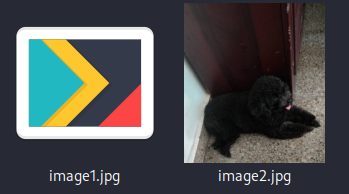
It looks like image1.jpg is corrupted, so I checked the bytes and header.
root@kali:~/Desktop/cstv/word/media# xxd image1.jpg
00000000: 504b 0304 1400 0900 0800 d922 0955 4ac4  PK.........".UJ.
00000010: 894f 8fde 0200 59e1 0200 0800 1c00 7465  .O....Y.......te
00000020: 7374 2e6a 7067 5554 0900 035a 19f2 620f  st.jpgUT...Z..b.
00000030: 1af2 6275 780b 0001 04e8 0300 0004 e803  ..bux...........
00000040: 0000 413d 3e5e 82e4 e725 28b6 3da2 ab50  ..A=>^...%(.=..P
00000050: f6e0 2ad2 47c4 a8af 7599 2983 861a 5c2e  ..*.G...u.)...\.
00000060: 7ec5 636d 2019 9865 db00 2663 779f afff  ~.cm ..e..&cw...
00000070: 18a2 0efe 5ef0 ab03 f443 dd7d 84a4 ba16  ....^....C.}....
00000080: d23d b327 64b3 6c03 7be3 d7e3 77b2 7d38  .=.'d.l.{...w.}8
Yah, so it is actually a ZIP file. At this point I needed to extract it, but there was a new problem: the ZIP password. With this low difficulty, running zip2john should be enough.
root@kali:~/Desktop/cstv/word/media# zip2john image1.zip > hash.txt
Created directory: /root/.john
ver 2.0 efh 5455 efh 7875 image1.zip/test.jpg PKZIP Encr: TS_chk, cmplen=188047, decmplen=188761, crc=4F89C44A ts=22D9 cs=22d9 type=8

root@kali:~/Desktop/cstv/word/media# john hash.txt
Using default input encoding: UTF-8
Loaded 1 password hash (PKZIP [32/64])
Will run 4 OpenMP threads
Proceeding with single, rules:Single
Press 'q' or Ctrl-C to abort, almost any other key for status
Almost done: Processing the remaining buffered candidate passwords, if any.
Proceeding with wordlist:/usr/share/john/password.lst
loveyou          (image1.zip/test.jpg)
1g 0:00:00:00 DONE 2/3 (2024-01-06 18:19) 33.33g/s 1587Kp/s 1587Kc/s 1587KC/s 123456..ferrises
Use the "--show" option to display all of the cracked passwords reliably
Session completed.
So the ZIP password is loveyou. After extracting, we get the image test.jpg.
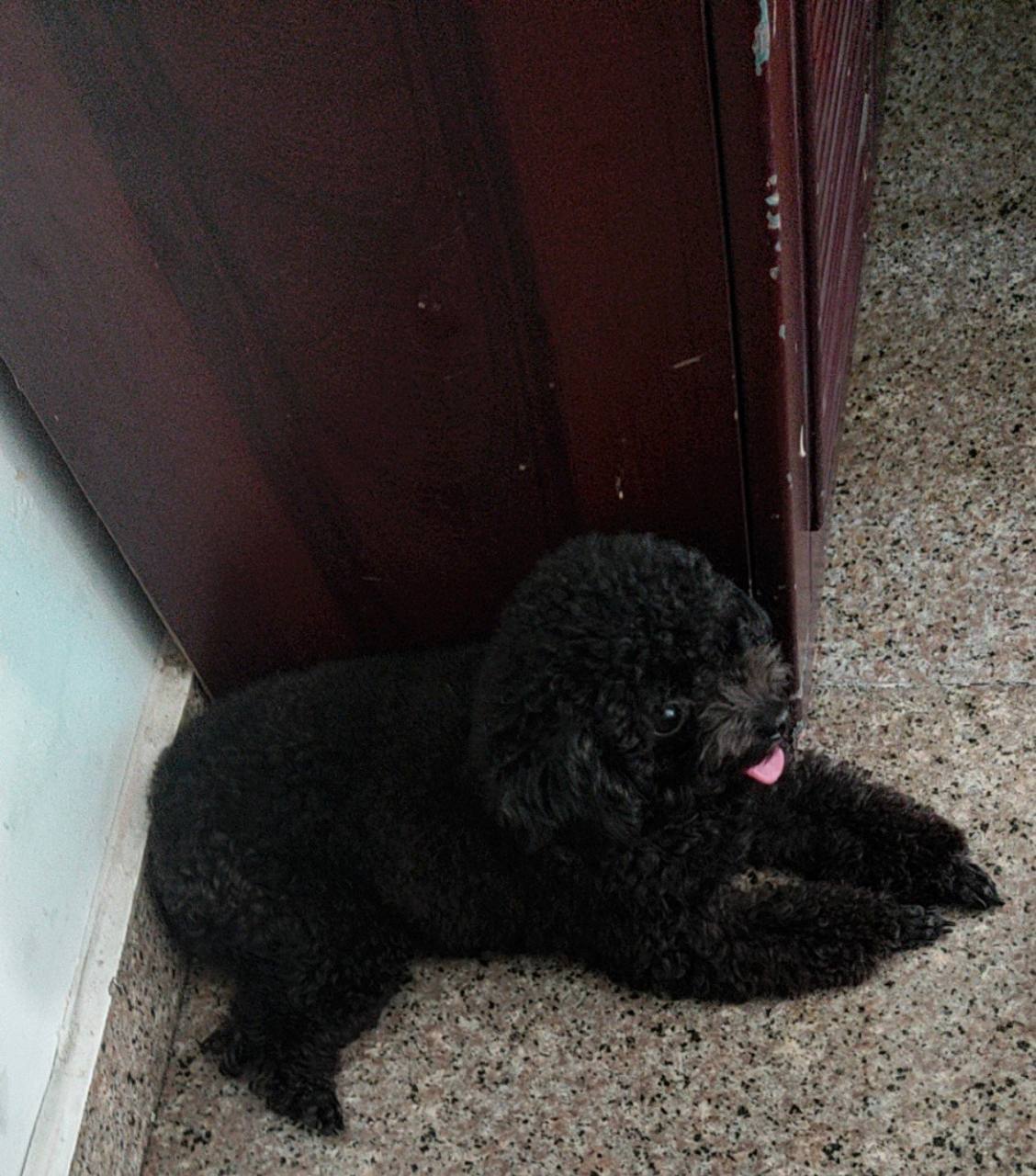
For a JPG I did not think too much; I just threw it into Aperi'Solve and let it do the rest.
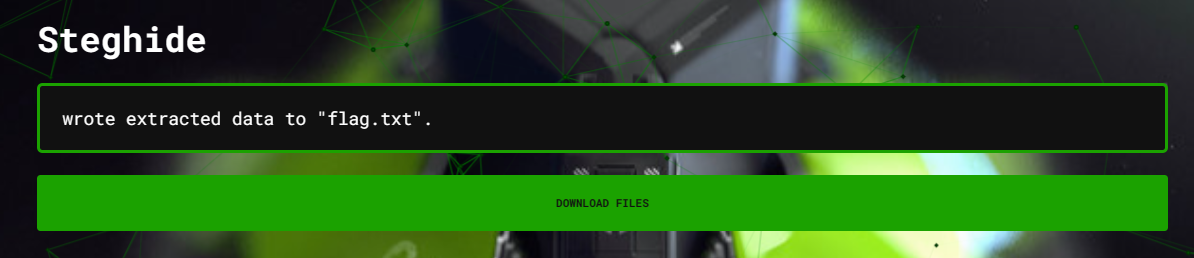
flag: hackathon{bbc649da49b02570835df50fd173bff7d4933f07}
Whose name is it?
Description: I fell like there are many people drawing my secret...
Attachment: capture.pcap
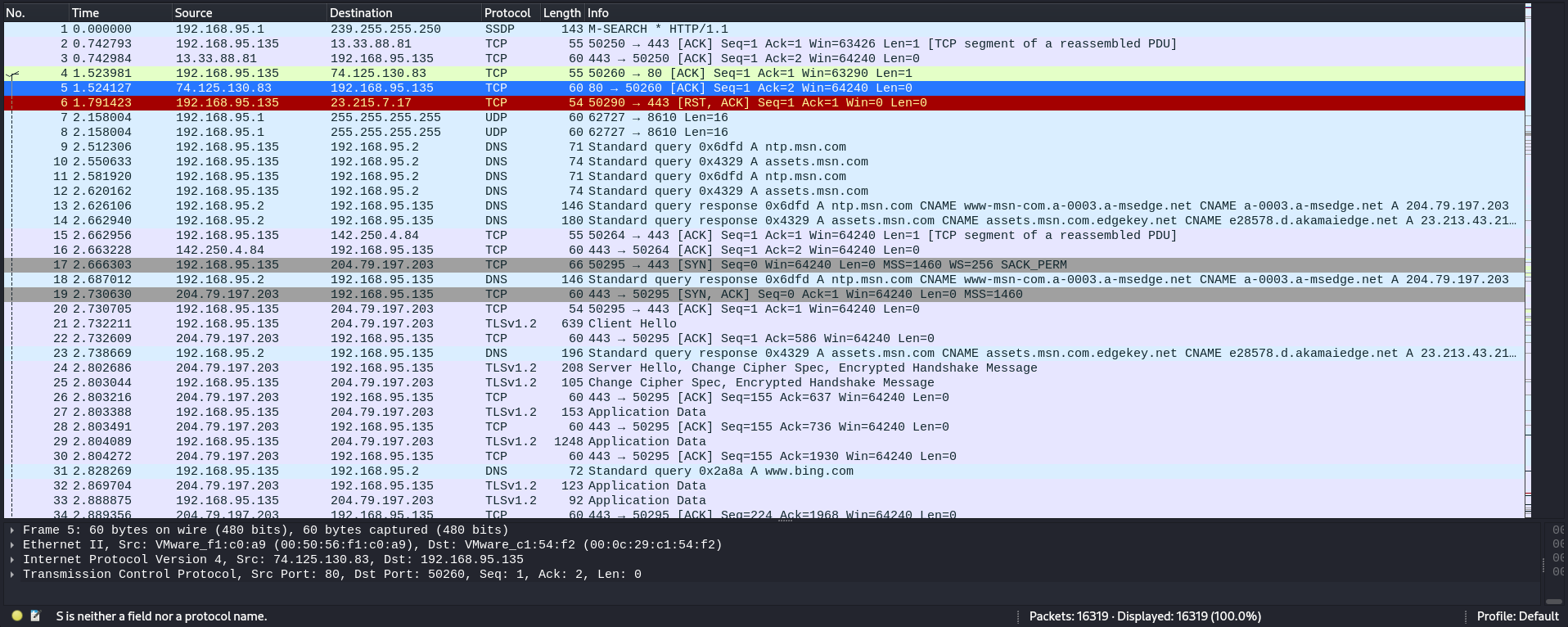
In the second challenge, it felt a bit more like a real forensics task.
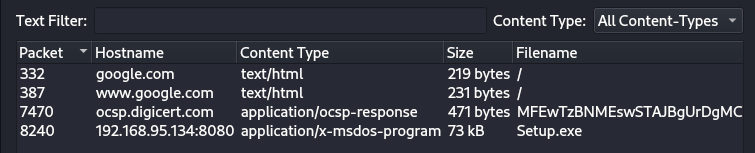
After checking the objects in the network traffic, I found an executable (I reversed and decompiled it), but there was nothing to exploit, so I looked for another approach.
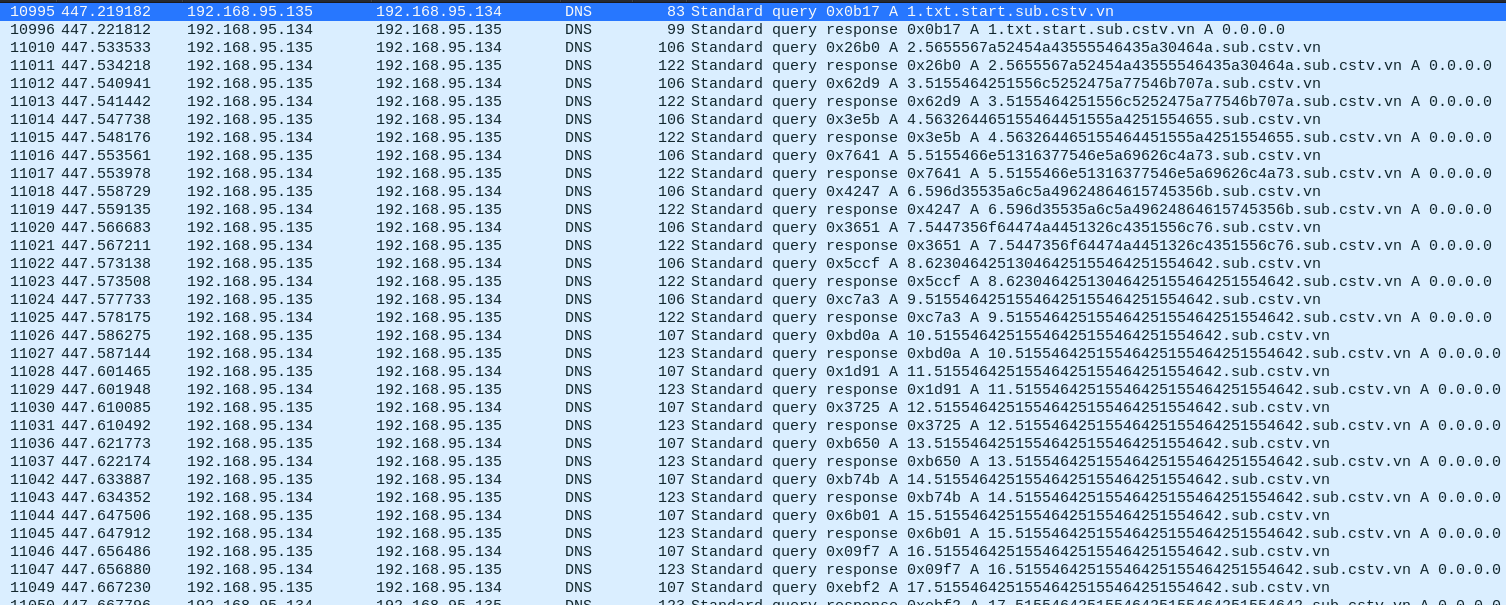
While searching I noticed a suspicious send/receive of a txt in a UDP stream.
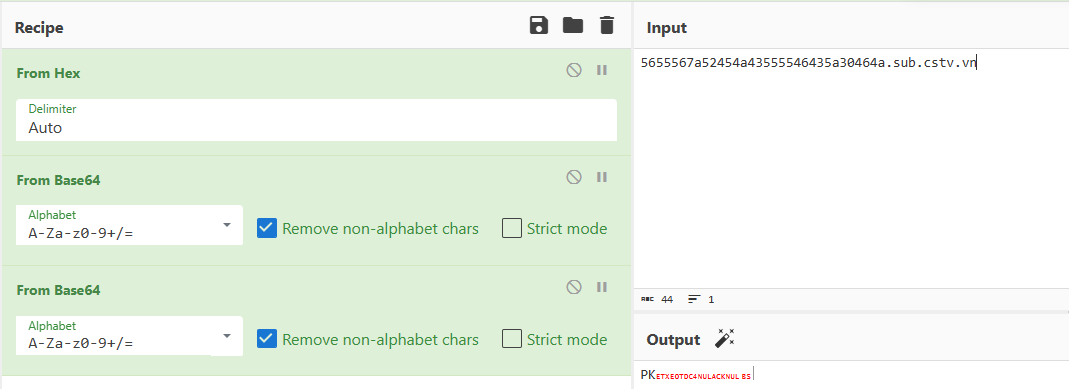
I tried one query and decoded it out of habit, and it turned out to be the header of a ZIP file. That gave me hope, so I followed this path.
So my job now was to filter all UDP streams from 188 to 1569 (end) with dns && udp.stream >= 188 && udp.stream <= 1569, write a script to remove the extra parts, then feed it into CyberChef.
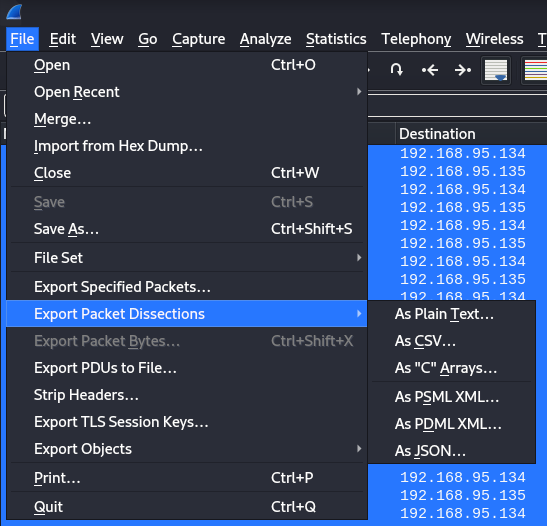
script:
import re

pattern = re.compile(r'\b(\d+\.\d+[a-fA-F\d]+)\.\w+\.\w+\.\w+\b')

with open("dnsfilter.txt","r") as f:
    input_text= f.read();

match = re.findall(pattern,input_text)

with open("output.txt", "w") as output_file:
  # Queries repeat 6 times, drop duplicates
  for m in range(0, len(match), 6):
      output_file.write(match[m].split('.')[1])

flag: CSTV_2023_{ba69f4c8c869295a9a8024b32a177bc63a942ffd}
L4g
Description: Can you deal with the lagging. If you can f the lag You will get the flag.
Attachment: 3y3L4g & 34rL4g.wav
In this final forensics challenge I received two files (one wav and one data file). From experience, the first thing I did was view the audio spectrogram of the WAV.
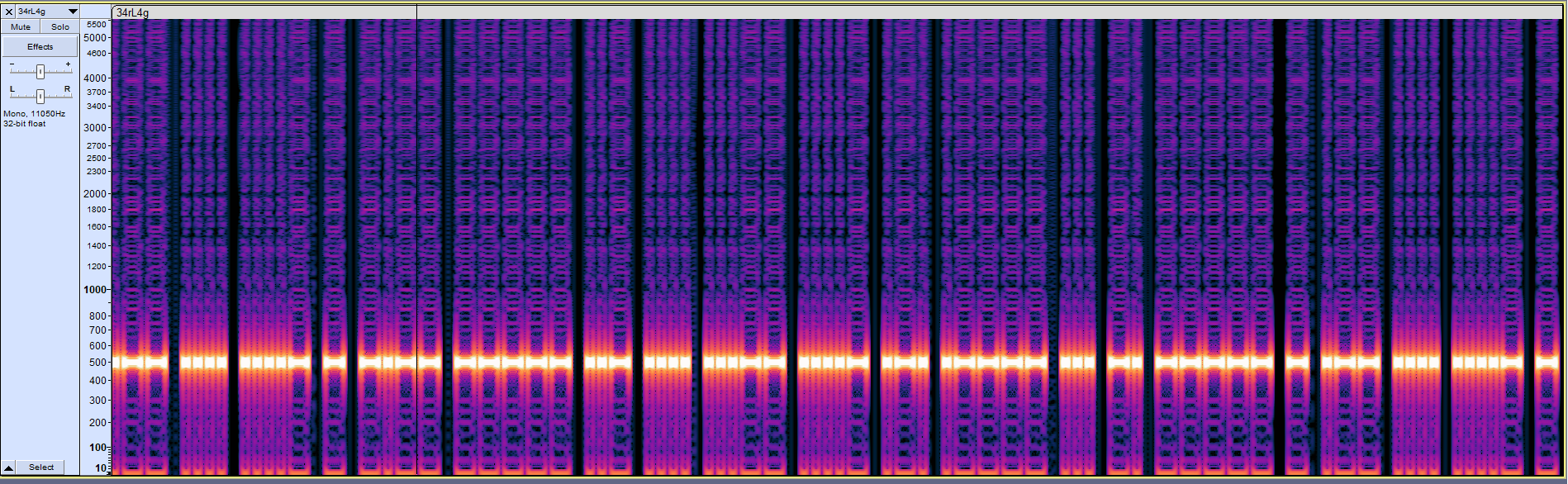
At a glance, it looks like a simple Morse code: WH4TY0UH34R1SN0TWH4TY0US33KF0R. I figured that was for later because there was another laggy-eyes file (I suspected an image).
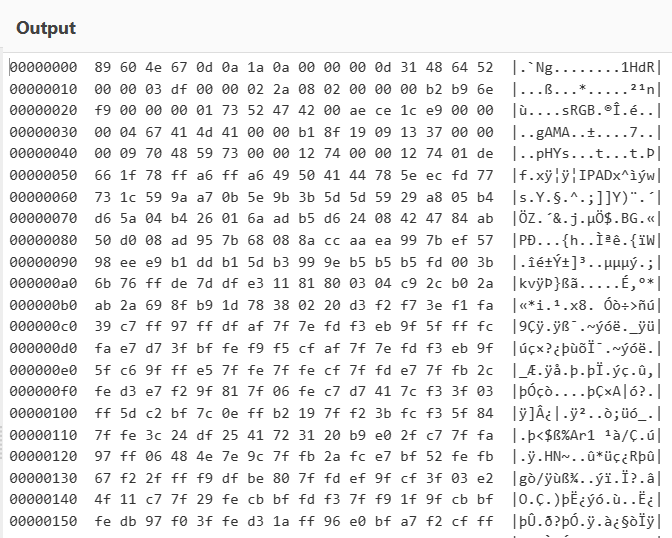
Based on the header of this file, the bytes were modified and the original was a PNG image, so I fixed the header to PNG.
Also, I noticed 1HdR, which is likely a corrupted chunk (IHDR).
Here I used the tool: PNG-Fixer to check which chunks were problematic.


From here we can see two wrong chunks: 1HdR and IPAD (IHDR and IDAT). I fixed them all in a hex editor.
After fixing the chunks, I moved to PCRT to check the overall bytes.
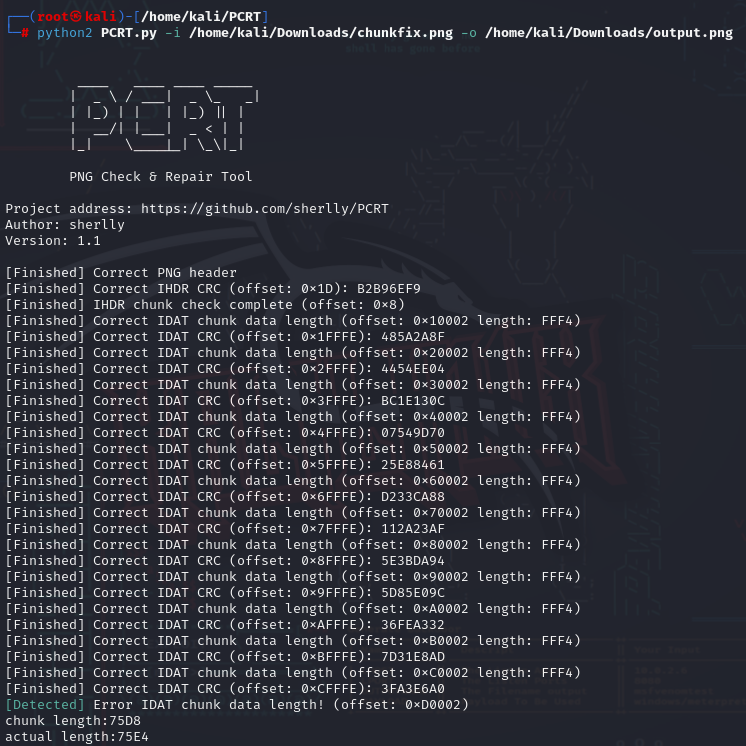
I had just fixed IPAD, so now I needed to fix the IDAT chunk data length at offset 0xD0002 (in HexEd).

I kept fixing errors until the image became visible (skipping the CRC chunk fixes because the original image was already broken).
Image after fixing: output.png

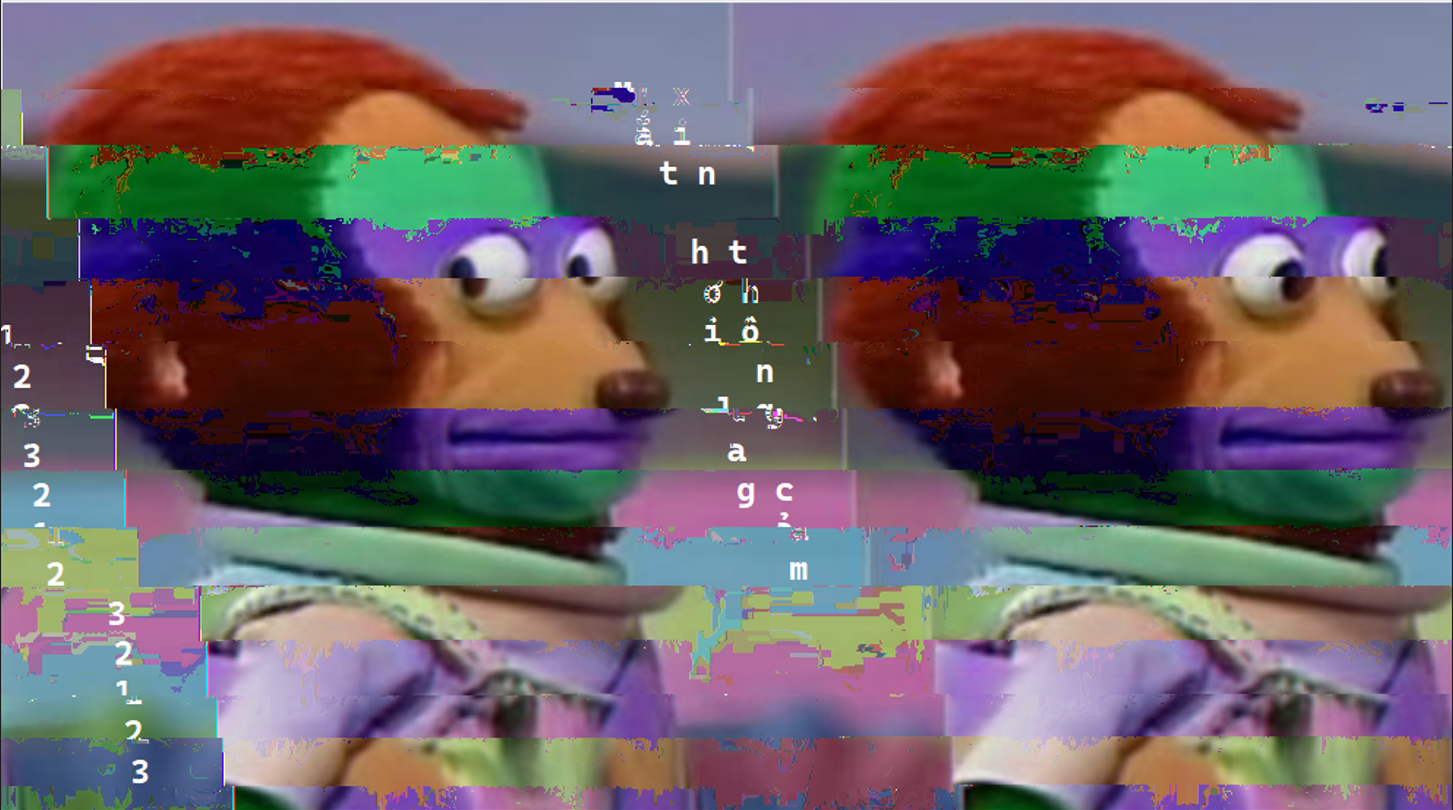
Opening it on Windows works without errors. The text reads "My eyes are a bit laggy, please forgive me" and the numbers are 123321232123.
At this point I had extracted everything from both files (including the image metadata). That left only the wav, and the number above was likely the passphrase to use with a tool. This is steganography, so it was probably it (I spent a lot of time thinking through different image tweaks...).
root@kali:~/Downloads# steghide extract -sf 34rL4g.wav
Enter passphrase:
wrote extracted data to "Br41nL4g.txt".
yah, after lagging eyes and ears, now it is lagging brain. Not sure what the troll is here...
+++>-<+-.-+.+-+
++++--+---+<.-+
+>++--+--.+.--+
+++.--+--<+>--+
++++--+---+-.-.
++++--..-.+--.<
++<+--<.->+--<.
++<+.--+-++--..
++<++--+.++.->.
++<++--.-+++-+.
++<++--.-+++-+.
[>-.+--+-+++-+.
>+]-+--+-+++-+.
++>-+--+-+++-+.
>+>-+..+-+++-+.
++>-.>>+-+++-+.
At this point I was almost out of words. This brainfuck is not just plug and run; you have to lag your brain a bit. I guessed it should be read vertically like the image above.
x = "+++>-<+-.-+.+-+++++--+---+<.-++>++--+--.+.--++++.--+--<+>--+++++--+---+-.-.++++--..-.+--.<++<+--<.->+--<.++<+.--+-++--..++<++--+.++.->.++<++--.-+++-+.[>-.+--+-+++-+.>+]-+--+-+++-+.++>-+--+-+++-+.>+>-+..+-+++-+.++>-.>>+-+++-+."
for j in range(15):
    for i in range(j, len(x), 15):
        print(x[i], end = "")

# ++++++++++[>+>+++>+++++++>++++++++++<<<<-]>>>>++.++++++.-----------.++++++.<------------.>+++++.<------.>-----..++.+++++.-------.--------.<-.>+++++++++++++++++++++++.<.>----.+++++++.--.---------------.<.>++++++++++.<.........
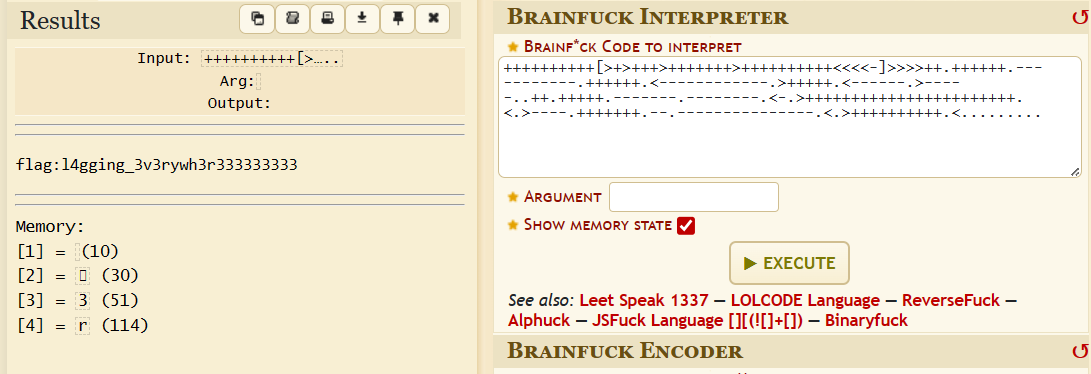
yah got it, now just convert it to sha1 and submit the flag :3 (and in the end, the Morse code in the wav was useless :3)
flag: CSTV_2023_{1d7e89b852c2ef64283df637d0a36f16c3417f18}